Practical guides
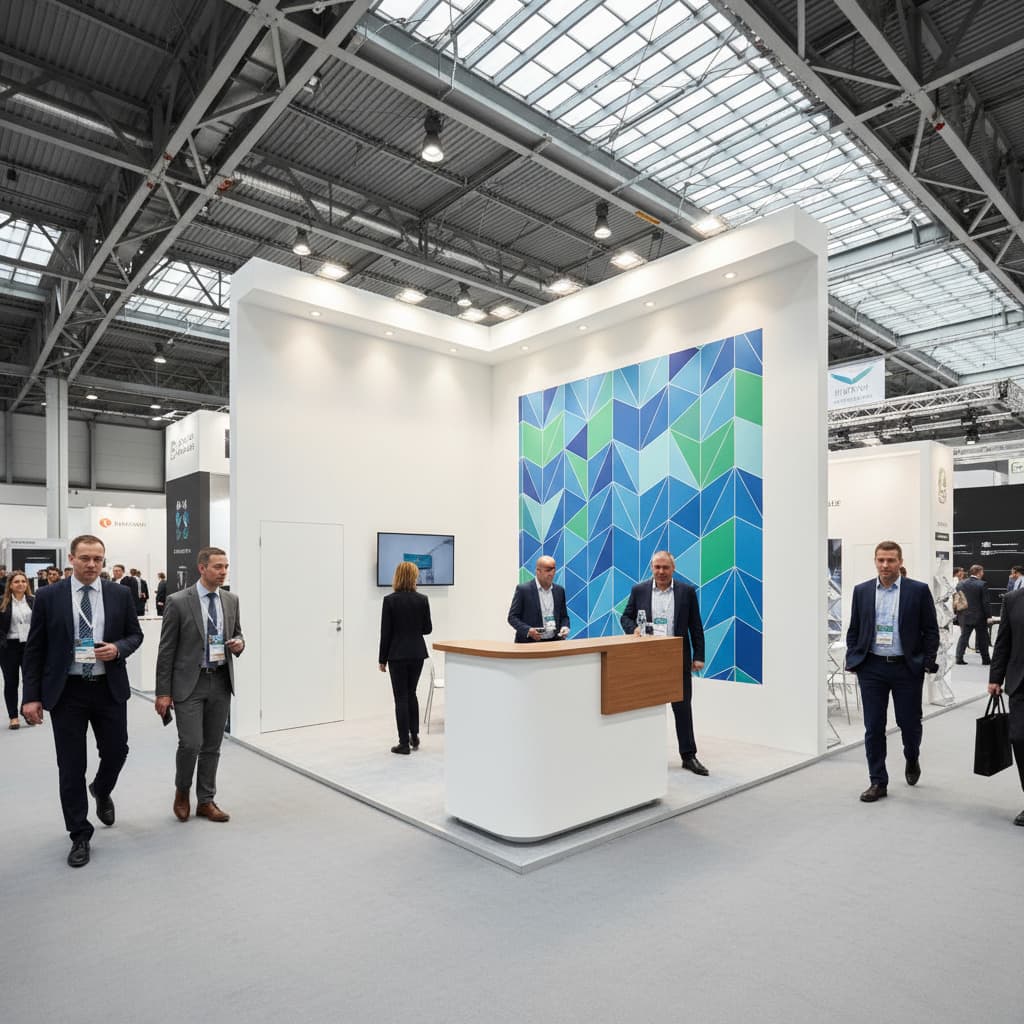
Trade Show Display Design: The Complete Booth Guide 2026
How to design a trade show display that attracts visitors and converts leads. Booth layout, display types, design mistakes to avoid: the full breakdown.
10 min

Feedback on exhibitor management at professional trade shows. What works, what doesn't, and lessons learned.

This title is a bit provocative, I admit. But it reflects a reality many organizers know: the Excel file that becomes uncontrollable.
Japan Expo 2025 welcomed 847 exhibitors across 140,000 m². The Agricultural Show manages 1,000 exhibitors every year. How do they do it? Spoiler: not with a shared spreadsheet on Google Drive.
We all started this way. A file with columns: Company Name, Contact, Email, Phone, Requested Area, Assigned Location, Amount, Paid Y/N.
It works for 20 exhibitors. At 50, it gets sporty. At 100, it's hell.
I've lived through this situation: two colleagues modifying the file simultaneously, versions crossing, and on D-day we discover we've assigned the same location to two different exhibitors. Guaranteed atmosphere at 7am in front of the hall.
After a few years organizing events, here's what I learned about exhibitor management.
The real problem isn't technical, it's human. An average exhibitor contacts you 8 to 12 times between registration and D-day. Questions about logistics, modification requests, payment issues, technical questions...
Multiply that by 100 exhibitors and you understand why teams are overwhelmed.
The solution? Anticipate questions. A complete exhibitor guide sent upon registration, with clear sections: access, setup, electricity, catering, accommodation. 80% of questions you're asked are the same. Write the answers once.
Here's a topic rarely addressed. Exhibitor payment management is an administrative nightmare.
Between those who want to pay in installments, those waiting for their purchase order, those who lost the invoice, those whose transfer "left but hasn't arrived"... Payment tracking can easily represent 20% of team time.
My recommendation: clear conditions from the start, with firm deadlines and automated reminders. And above all, a tracking tool that lets you see at a glance who has paid and who hasn't.
Assigning locations isn't just filling a floor plan. It's managing sensitivities, histories, conflicts between competitors who don't want to be side by side.
Big exhibitors want the best locations. Regulars consider they have acquired rights to "their" spot. Newcomers don't understand why they end up at the back of the hall.
One tip: document your assignment criteria. "First registered, first served" with price categories by location is the fairest system. And it avoids endless discussions.
Not a complicated app. Just a web space where exhibitors can:
The International Agricultural Show, with its 603,652 visitors in 2025, couldn't function without this type of tool. Each exhibitor has access to their dedicated space.
Automation isn't synonymous with coldness. A well-written automated email, sent at the right time, will be more effective than a manual email sent too late.
My typical schedule:
The fundamental difference between Excel and a dedicated tool? History and relationships.
In a database, you know this exhibitor has participated 3 years in a row, had a dispute in 2022 (resolved), always takes 18m² space and systematically requests 380V electrical supply.
In Excel, you have a row with columns.
An exhibitor who asks a question and doesn't get a response in 48h worries. In 72h, they get angry. In a week, they call you, unhappy.
Responsiveness is more important than answer perfection. A "I received your request, I'll get back to you by Friday" is better than silence.
Big exhibitors are important, obviously. But small ones are often more loyal and less demanding. I've seen organizers lose 30% of their small exhibitors because all attention went to "VIPs".
The event is over, everyone breathes. Mistake. This is the time to:
Re-registration rate is played out in the 15 days following the event.
I long resisted digital tools, out of habit. "Excel works fine". Except it doesn't.
The day I could see occupancy rate in real-time, send a group reminder in 2 clicks, and have an exhibitor's complete history accessible from my phone, I understood what I was missing before.
Does it have a cost? Yes. Is it worth it? Absolutely. Time saved pays back the investment in a few months.
Exhibitor management is 20% logistics and 80% human relations. Tools don't replace contact, they facilitate it.
A well-supported exhibitor returns. A neglected exhibitor goes elsewhere. In an industry where renewal rate makes the difference between a profitable and unprofitable show, investment in exhibitor relations is the best you can make.
If you want to move from Excel to a real tool:
Sources: Japan Expo 2025 Report, International Agricultural Show 2025 Report
How to design a trade show display that attracts visitors and converts leads. Booth layout, display types, design mistakes to avoid: the full breakdown.

UNIMEV data, field feedback and projections: what's really changing in trade show organization this year. No-buzzword analysis.

Trade show management software for your event organization: exhibitor management, interactive floor plans, invoicing. Complete guide and selection criteria.