
The all‑in‑one software to run your trade show
Interactive floor plan, exhibitor management, online booth booking: the event platform that digitizes your event, no Excel.
- 1
Account
Create your organizer space in a few minutes.
- 2
Event
Dates, pricing, payment terms.
- 3
Design
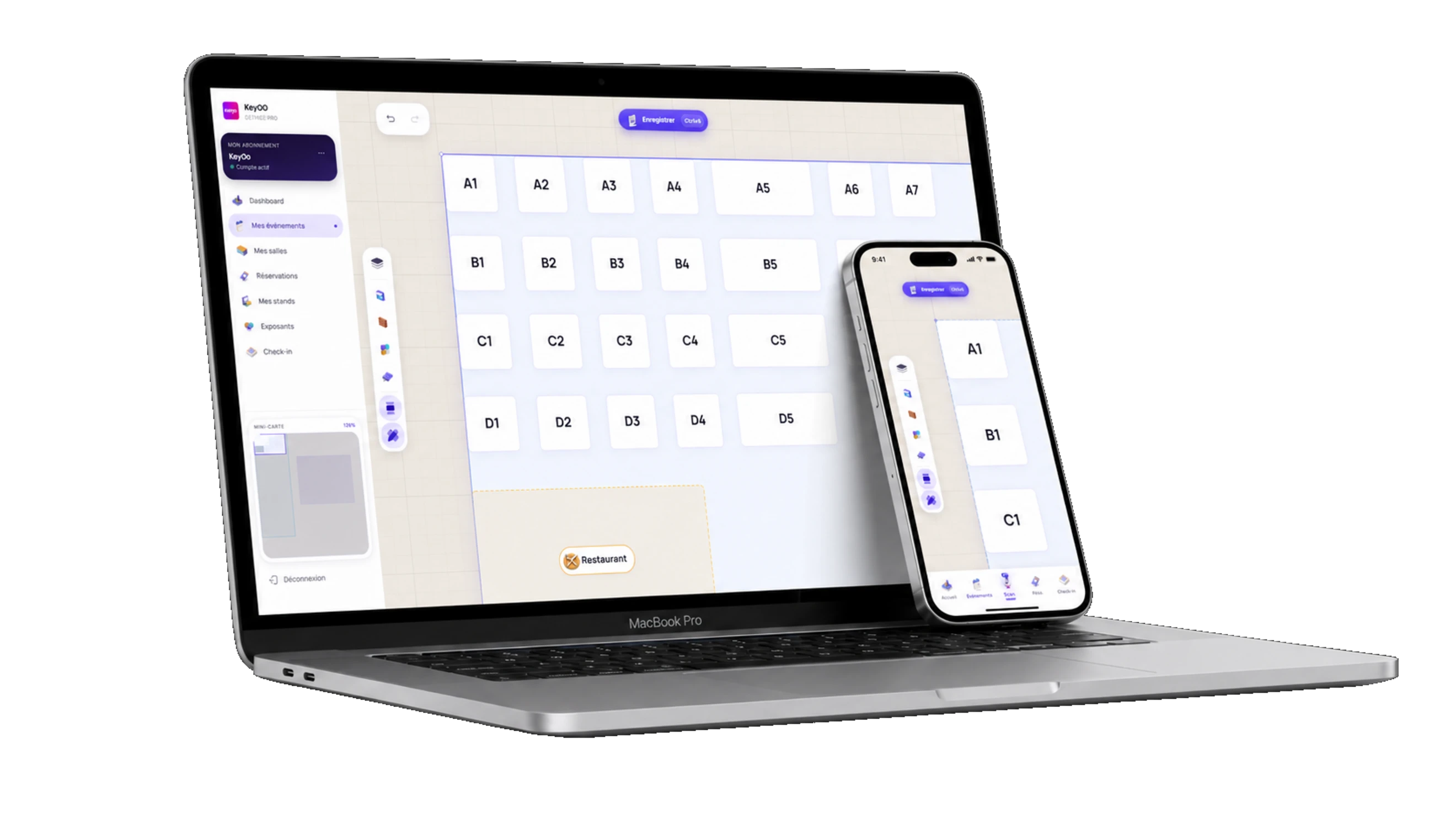
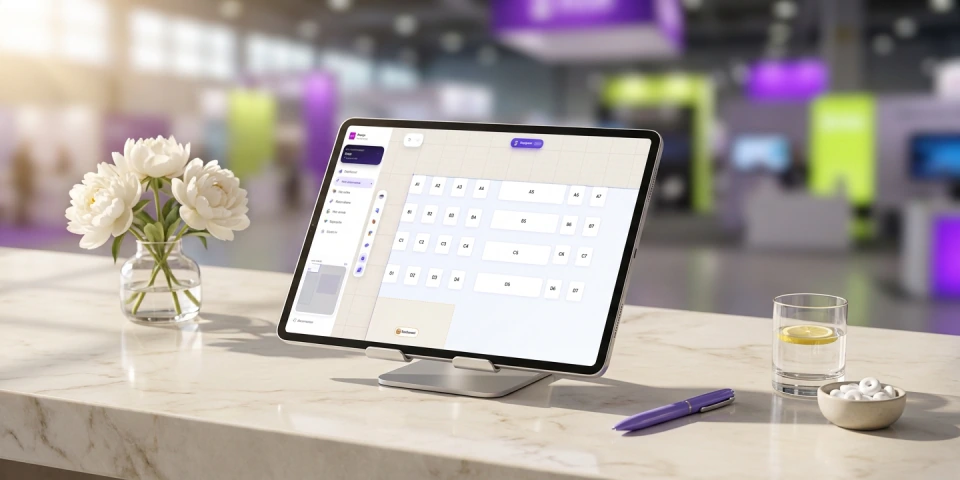
Draw your hall with the mouse, then place your booths and sectors.
- 4
Publishing
Your exhibitor site is online, under your name.
- 5
Steering
Track revenue and bookings on your dashboard.

Time savings
No more spreadsheets: create your event and start taking bookings in a few clicks.
Zero commission
You collect your booth payments directly. Keyqo takes no commission on your sales.
Up-to-date figures
Revenue, bookings, occupancy rate: run your event from an up-to-date dashboard.

Event up and running the same day
Create your account, draw your plan, receive your first bookings.
Badge validated in 2 seconds
With the Pro and Organizer plans, your front desk scans the exhibitor badge QR: instant validation, and arrivals are counted on the Check-in page.
Drag & drop, 24/7 autonomy
Draw your floor plan in minutes. Your exhibitors view, choose their booth and book online, 24/7.
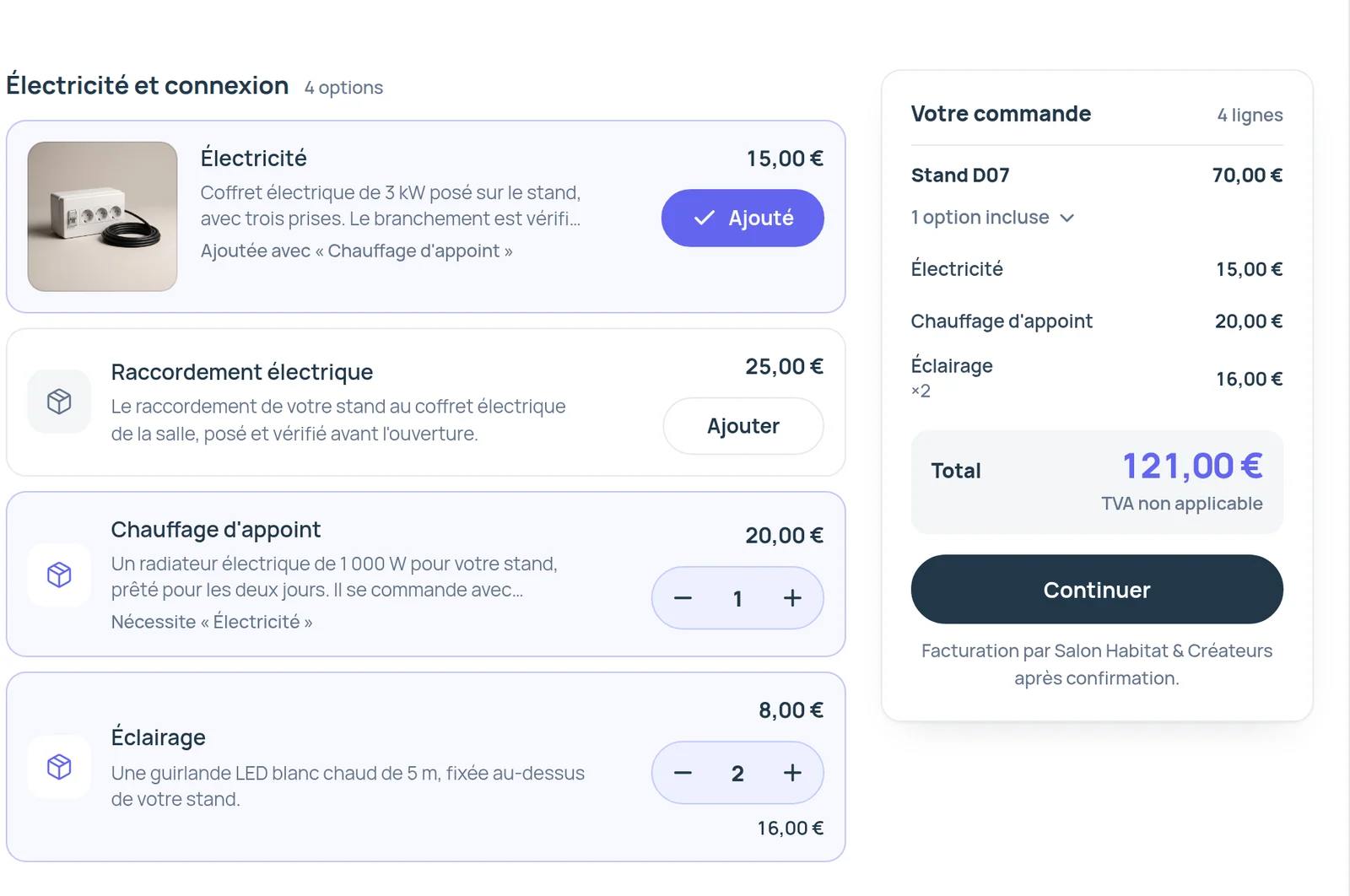
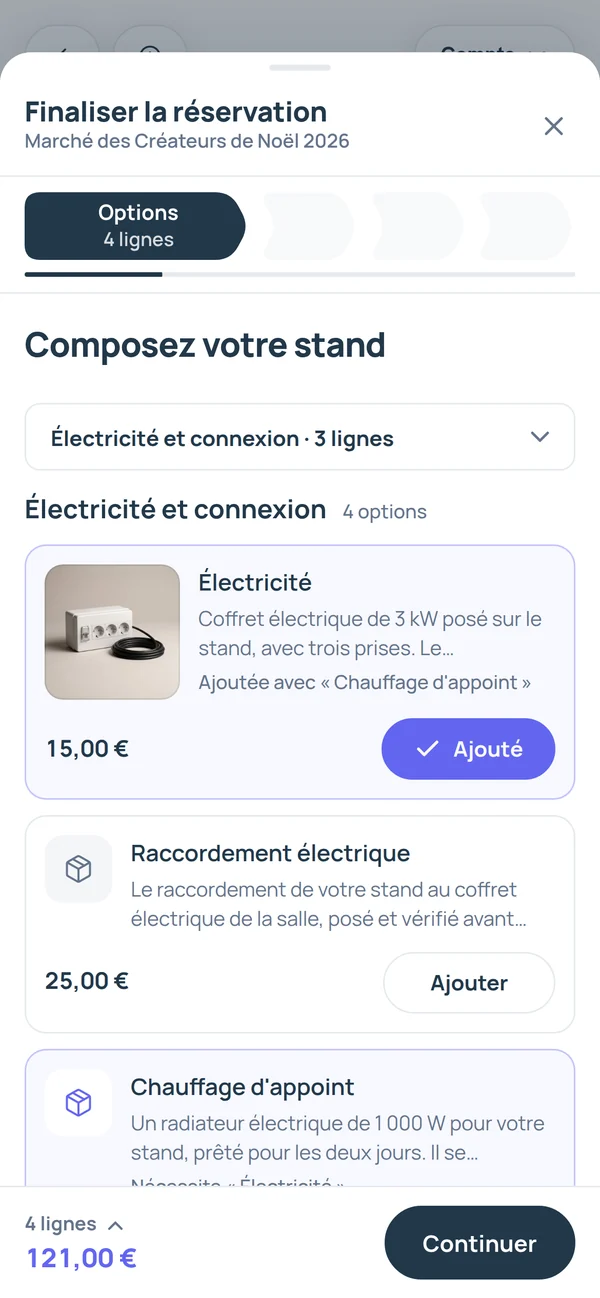
Offer electricity, furniture and packs to your exhibitors
You describe each option once, such as electricity, furniture or wifi. Your exhibitors add them to their booth while booking, one by one or as packs.
Pro and Organizer add variants, stock and supplier.
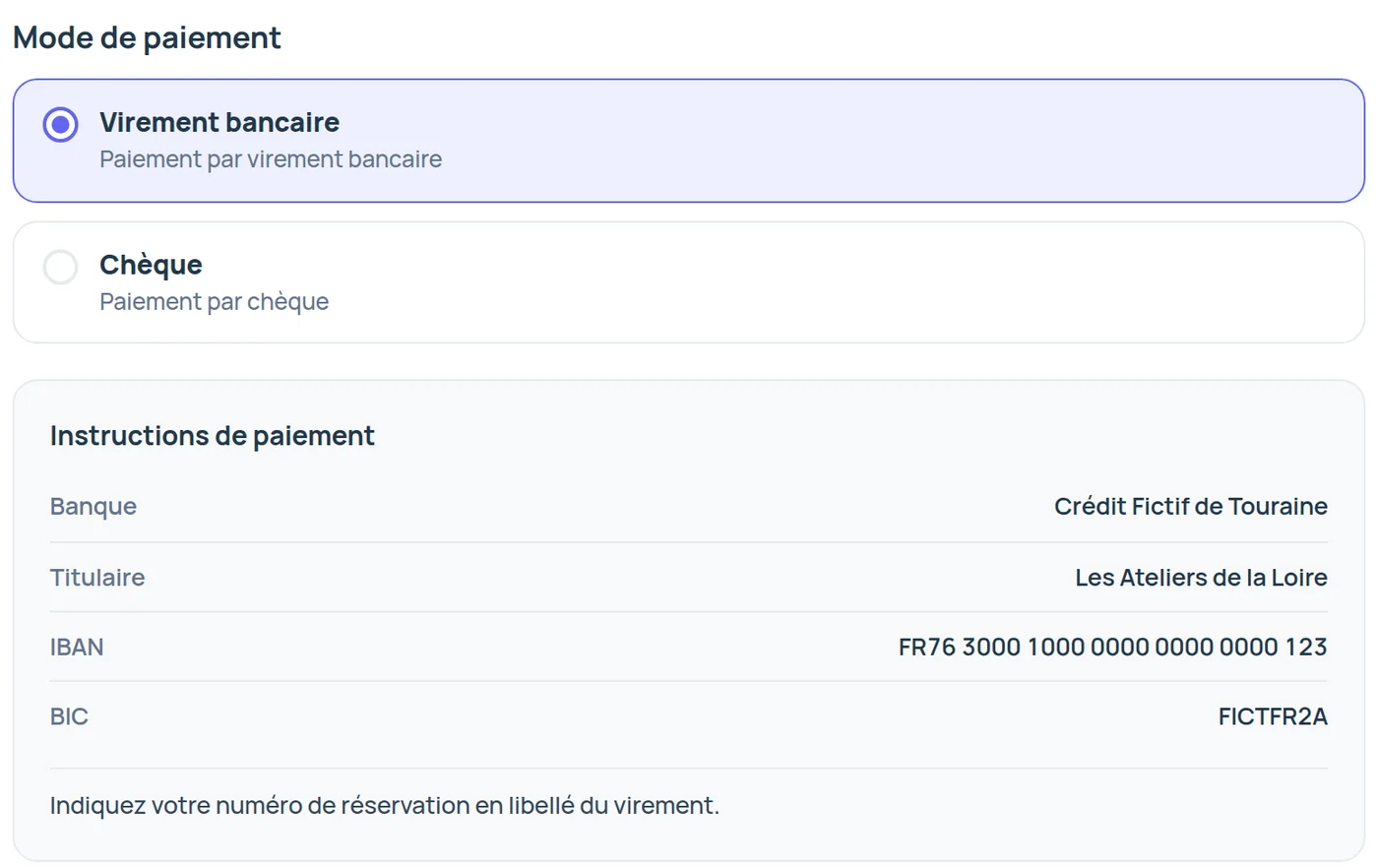
Your exhibitors pay you directly, with no commission
- Event by event, you accept bank transfer, check, cash, card payment on site or your own payment link.
- You record what you received in the admin area, and Keyqo works out the balance due.
From floor plan to event day, you track every booking
- Online booking
Exhibitors book, you confirm
Your exhibitors pick their booth on your floor plan, from a computer or a phone, and send their request with their options. They get their booking form by email right away. You confirm, up to 50 requests at once.
Online booth booking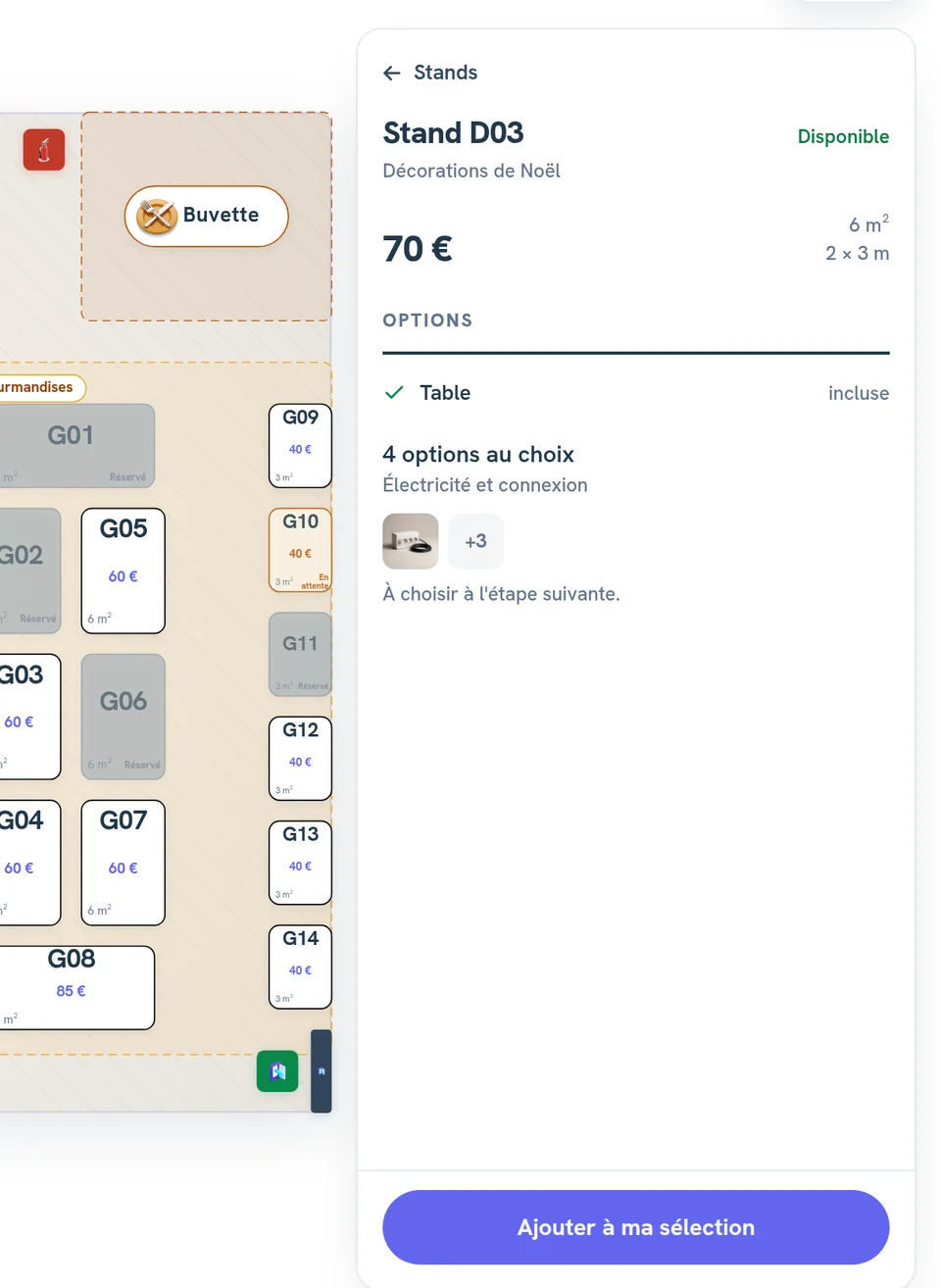
- Supporting documents
You request documents and review them
You ask for the insurance certificate, the company registration or the visuals, and you approve or reject each upload.
Supporting documents - Dashboard
What needs your decision comes first
- requests to review
- payments to track
- documents to check
Then this month’s collected payments and each event’s occupancy.
Your event dashboard - Event day
On event day, your crew knows what to set up
You give your setup crew the preparation list, booth by booth, without prices or contact details.
With Pro and Organizer, you scan badges at the entrance with the exhibitor check-in.
The preparation list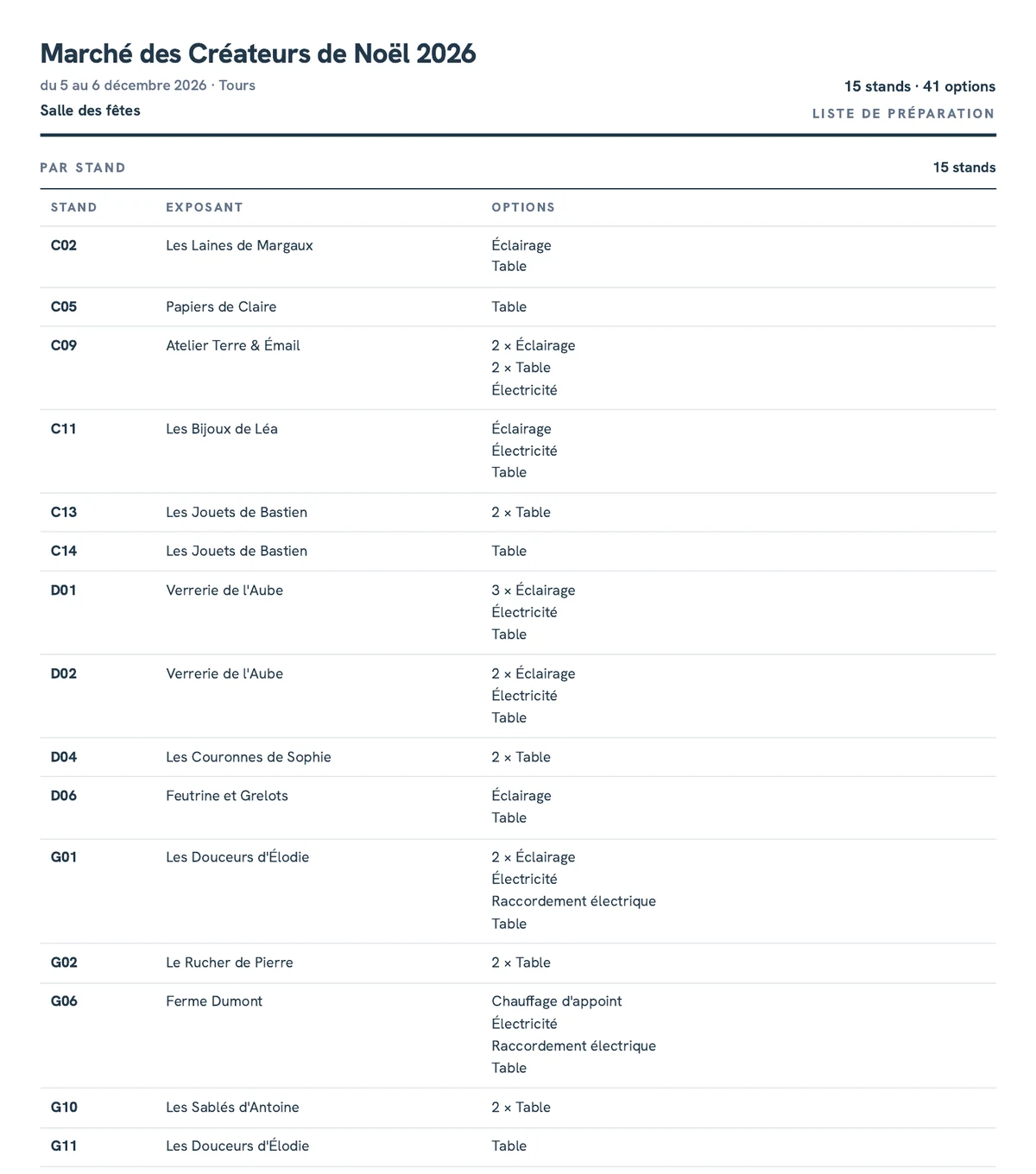
And also
- exhibitor waiting listPro, Pro and Organizer plans
- messagingPro, Pro and Organizer plans
- register an exhibitor yourselfPro, Pro and Organizer plans
- multilingual exhibitor site
- duplicate an event
- exports to Excel or Google Sheets
Unless marked Pro, these features are included in all three plans.
Who Keyqo is built for
Keyqo fits any event that hosts exhibitors on booths, indoors or on a town square, from a thirty-booth market to an event with several hundred.
By event

Professional events and fairs
You split the hall into sectors and set the price of a whole row at once.
Organize a trade show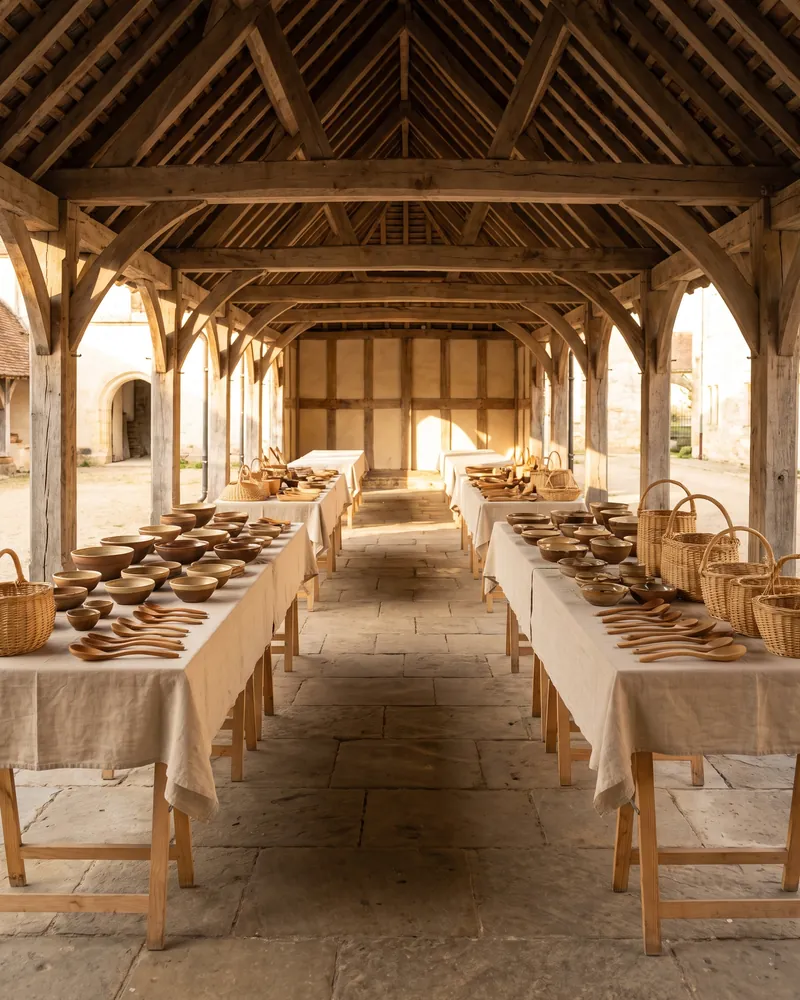
Craft and makers' markets
With registration on approval, each new exhibitor waits for your approval before seeing the floor plan.

Christmas markets
Indoors or on a square, each chalet or table becomes a numbered booth.
By organizer
Professional organizers
With Pro, you run five visible events at once, with three accounts for your team.
Nonprofits and festival committees
If your nonprofit isn’t VAT-registered, your booking forms state “VAT not applicable”.
Keyqo’s latest updates
The option catalog
You describe your options once, and each event takes them, with packs.
Supporting documents and registration on approval
Your exhibitors upload their documents to their booking, and you approve each new exhibitor before they see the floor plan.
Messaging with your exhibitors
Your exhibitors write to you from their exhibitor area, on Pro and Organizer.
- No commitment
- Backed up every day
- Support within 24 to 48 business hours
- No commission on your booths
How much does Keyqo cost?
Keyqo costs €15, €33 or €89 excl. VAT a month, billed annually, depending on the plan.
Essential
€15 excl. VAT a month, billed annually
that is €180 excl. VAT a year, or €18 excl. VAT a month with no commitment
- 1 visible event at a time
- 50 booths per event
- 1 admin account
The floor plan, the option catalog, bookings, supporting documents and your exhibitor site.
Pro
€33 excl. VAT a month, billed annually
that is €396 excl. VAT a year, or €39 excl. VAT a month with no commitment
- 5 visible events at a time
- 200 booths per event
- 3 admin accounts
Pro adds the waiting list, badges and check-in, messaging and priority support.
Organizer
€89 excl. VAT a month, billed annually
that is €1,068 excl. VAT a year, or €107 excl. VAT a month with no commitment
- No limit on events, booths or accounts
Organizer adds dedicated support and onboarding help.
With Essential, your exhibitors see one event at a time. When it’s over, you hide it, and the next one takes its place on the same subscription.
Your space is ready within two minutes of payment.
Your exhibitor site and your account area are available in English.
Frequently asked questions
All questionsHow many booths does each plan include?
Essential includes 50 booths per event, Pro 200, and Organizer has no limit. Every floor counts. If your event has more booths, choose the plan above.
PricingDo my exhibitors need an account?
Yes, on your exhibitor site, before they see the floor plan, with their name, their email address and a password, or with their Google account. You can also approve each new exhibitor before they book.
How long does it take to get started?
Your admin area and your exhibitor site are ready within two minutes of payment. Then you create the event, draw the hall and place your booths.
How it worksWhat is Keyqo?
Keyqo is software for events with exhibitors, from trade shows and professional events to Christmas markets. You draw the floor plan of your hall, your exhibitors book their booth and their options online, and you track requests, documents and payments all the way to event day. From €15 excl. VAT a month, billed annually, and your exhibitors pay you directly, with no commission.